Move your business phone system to the cloud and manage numbers, teams, call flows and reporting in one flexible setup – designed, implemented and supported by Omnilinx.
Trusted by teams managing business-critical communication.






Missed calls, rigid routing and limited reporting create friction for customers and extra work for your team.

Customers call, reach voicemail or hang up – but there is no clear view of what was missed or who should follow up.

Routing depends on who answers, transfers can create unnecessary steps and customers often have to explain the same issue again.

Call volumes, missed calls, response times and team activity are difficult to understand without consistent reporting.

Adding a number, changing a call flow or onboarding a new colleague can take more effort than it should.

New people, teams or locations can mean more devices, more configuration and more infrastructure to maintain.

Employees use private numbers, customer communication becomes fragmented and the business loses visibility when people or roles change.
Omnilinx Cloud PBX brings numbers, users, routing and reporting into one managed setup – designed around how your team actually works.
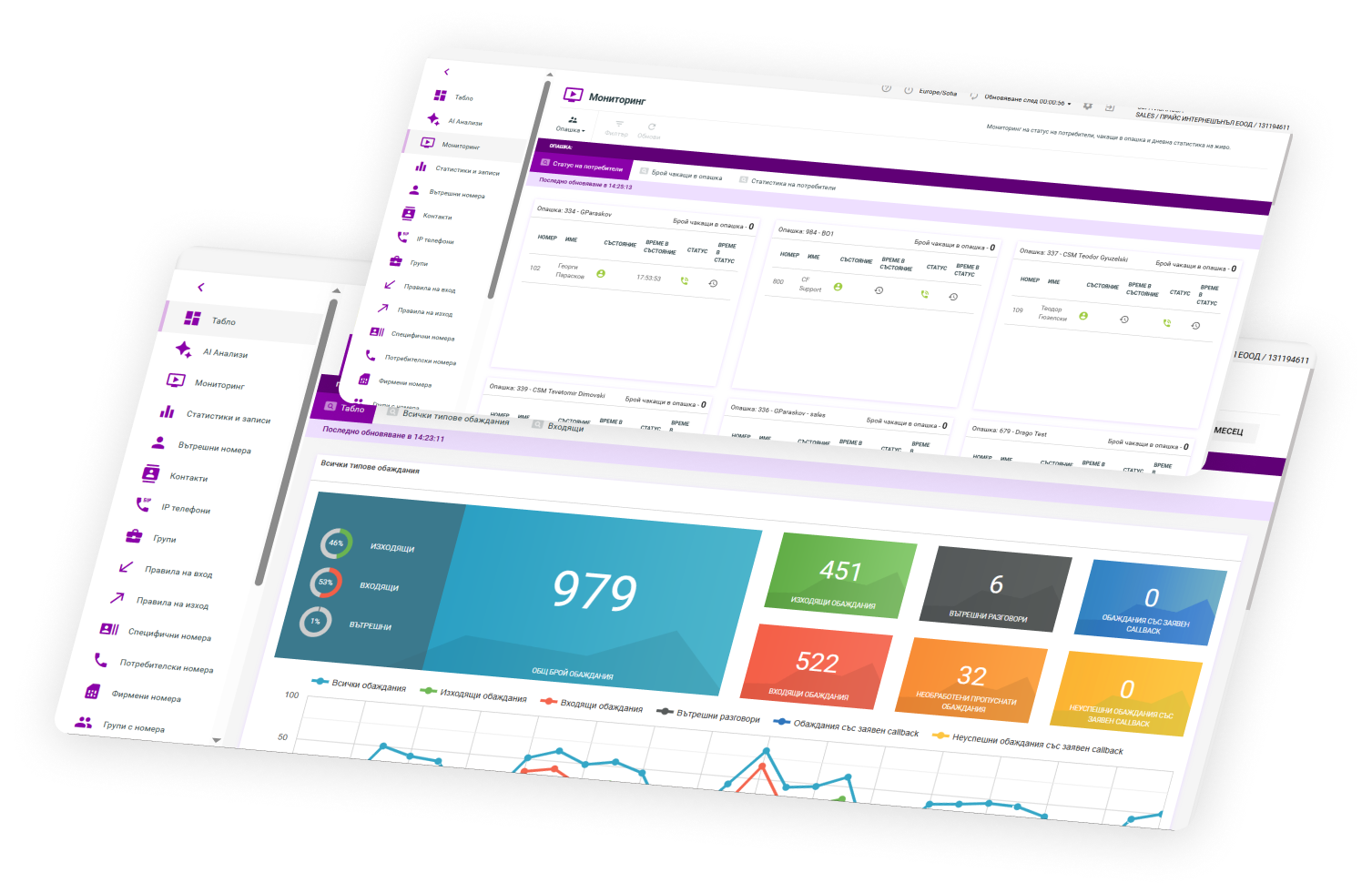
Route calls, manage numbers and users, track activity and work from anywhere – in one cloud telephony setup designed and supported by Omnilinx.


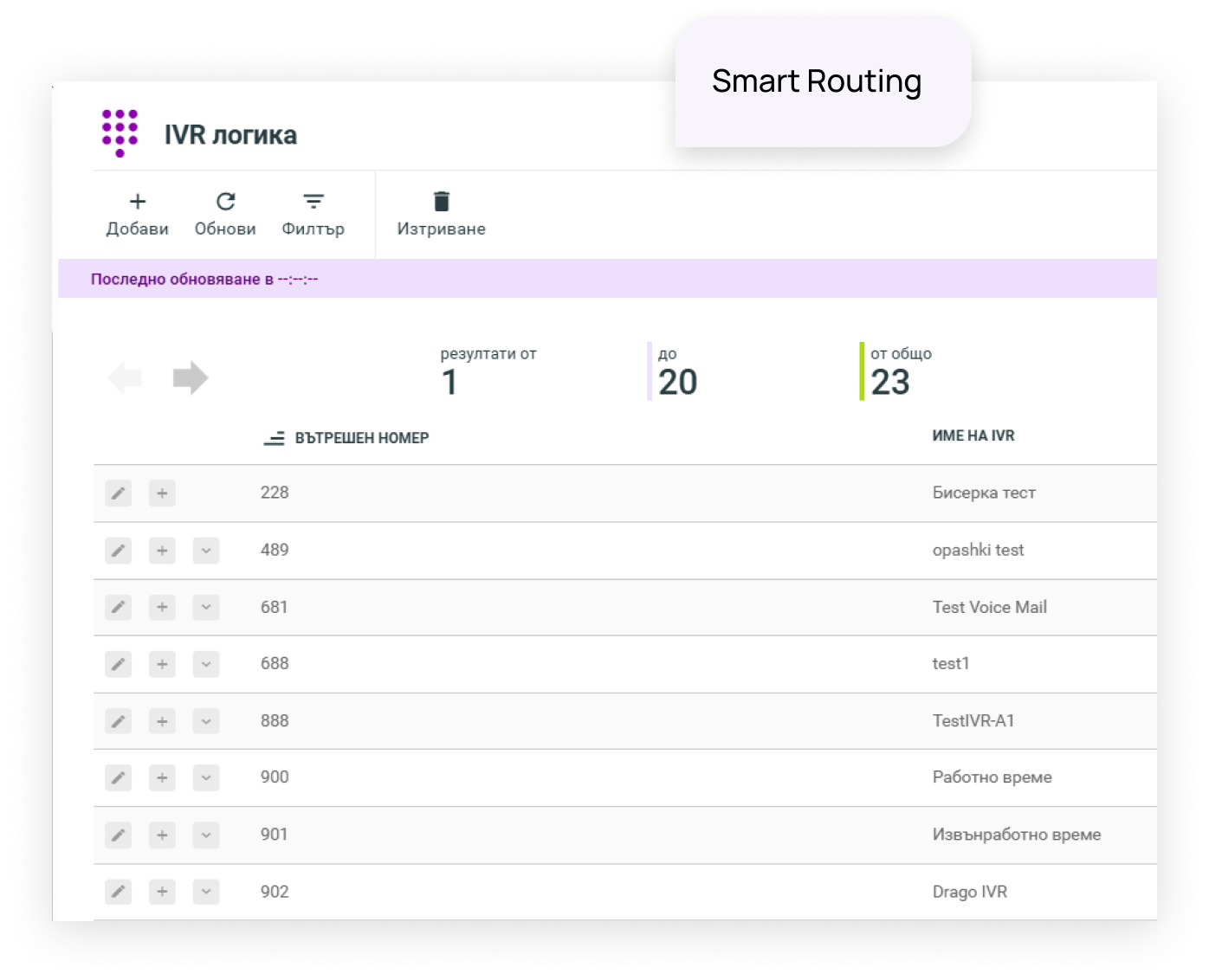
Build IVR menus and call flows around your teams, working hours and customer needs, so callers reach the right person with fewer unnecessary transfers.


Record and store calls according to your setup and policies, then access conversations when you need them for quality review, training or operational follow-up.

Track call volumes, missed calls, duration and team activity from one place instead of relying on separate devices or operator reports.

Keep missed calls visible and give your team a clear way to reconnect with customers instead of letting unanswered calls disappear.

Make and receive business calls across devices while keeping company numbers separate from employees' personal numbers.

Expand or restructure your telephony setup without rebuilding the underlying infrastructure every time your team changes.

Extend your setup with AI transcription, summaries, sentiment, topics and quality insights when you want to understand more of what happens inside customer conversations.
We understand how your teams and call flows work today, configure the right setup and stay involved after launch.

We look at your current numbers, teams, call volumes and routing logic to understand what the new setup actually needs to solve.

We configure numbers, users, queues and call flows around the structure of your business instead of forcing you into a standard template.
We roll out the setup, connect the required systems and train your team so the platform is ready to use from day one.
We stay involved after go-live, helping you adjust routing, users and configuration as the way your team works evolves.
Cloud PBX can be the foundation of a wider customer communication setup. Add deeper operational control, conversation intelligence or more channels as your needs evolve.


Add AI transcription, summaries, sentiment, topics and quality insights to understand what is happening across customer conversations.
Explore AI Insights →
Move to Contact Centre when your operation needs queues, advanced routing, supervision, outbound workflows and more detailed reporting.
Explore Contact Centre →
Connect calls, chat, email and messaging in one environment so your team can work with a shared customer history across channels.
Explore Omnichannel →We’ll look at how your calls work today, identify where the friction is and show you what a better Cloud PBX setup could look like.
 Get a free consultation
 Get a free consultation